Integration
Inbox workflows should make follow-up visible before it becomes overdue.
Email and message channels often become a hidden backlog. Eidice OS treats message context as an operating input that can support routing, drafting, escalation, and owner review.
The important question is not whether AI can write a message. It is whether the business can see why that message should exist.
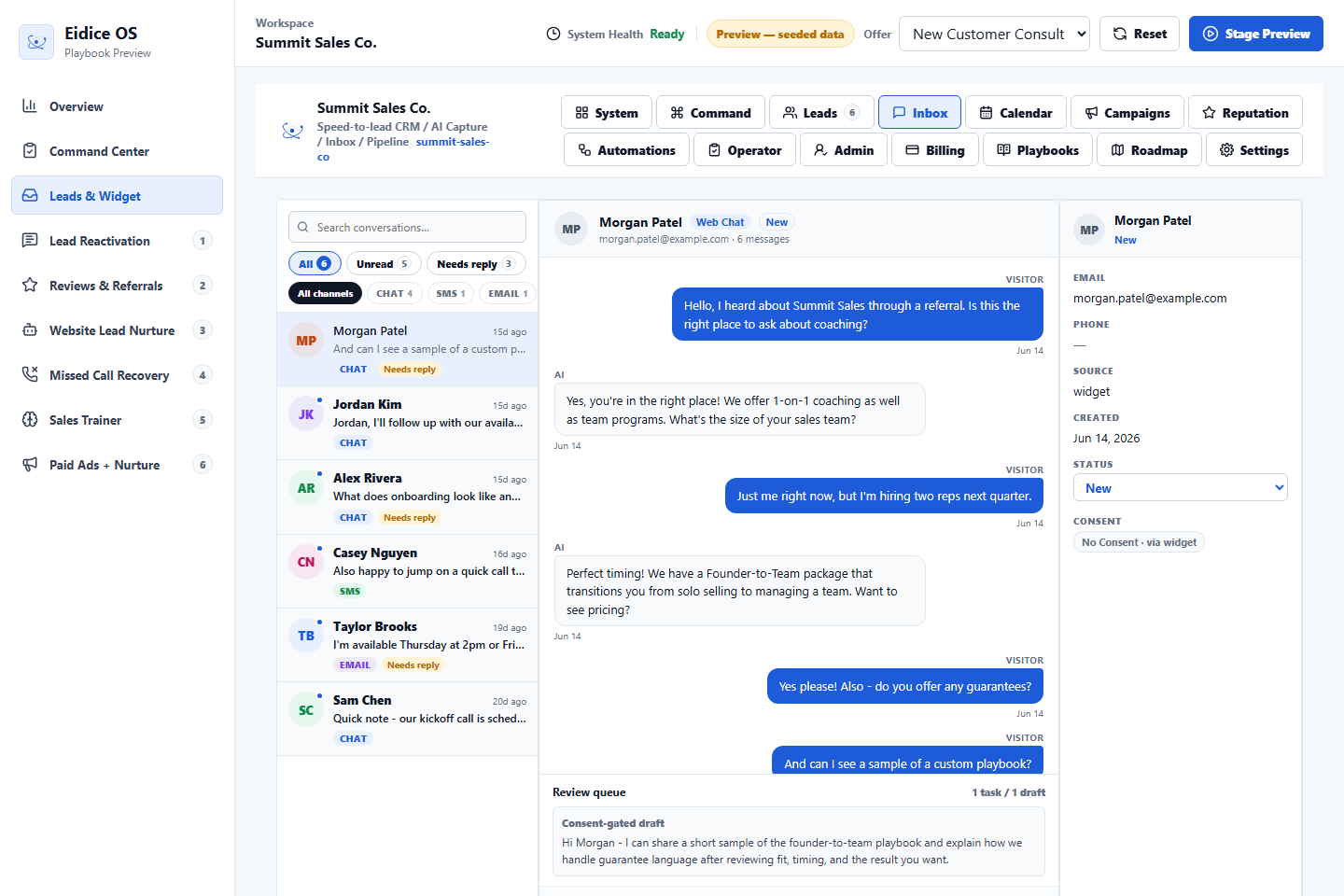
Useful inbox signals
Useful signals include source, customer intent, last touch, urgency, owner assignment, missing details, and whether the suggested response depends on information the system does not have.
How escalation works
The workflow should flag messages that are urgent, sensitive, high-value, or ambiguous. Those are the moments where AI can summarize but should not hide the need for human judgment.
What to avoid
Avoid workflows that respond only because a message exists. Good inbox operations respect context, opt-outs, pauses, business hours, and the difference between a draft and a commitment.
Next step
Review the related Eidice OS pages below, then use the main product page to book a demo request with Oliver Labs LLC or inspect the current product preview.