Tool
Speed-to-lead readiness checklist.
This checklist helps service-company owners identify whether lead speed is blocked by capture, routing, context, booking, or follow-up visibility.
It is intentionally practical: each question points to a workflow that should be visible in the operating system.
Capture questions
List every place a lead can arrive. Then check whether each source records timestamp, customer intent, contact path, service interest, and the owner or team member responsible for the next action.
Response questions
Measure how long it takes for a qualified lead to receive a useful first response. Then inspect whether the next follow-up is scheduled, assigned, and visible.
Visibility questions
A ready system shows stale leads, source quality, booking opportunities, and exceptions without requiring someone to reconcile forms, inboxes, calendars, and spreadsheets by hand.
Pass signal
A workflow is probably ready when every lead source has an owner, a timestamp, a next-action field, and a place where aging work becomes visible without a manual report.
Pause signal
Pause implementation when leads still arrive through private inboxes, source labels are missing, or the team cannot tell whether a lead has already received a useful first response.
What Eidice OS should show
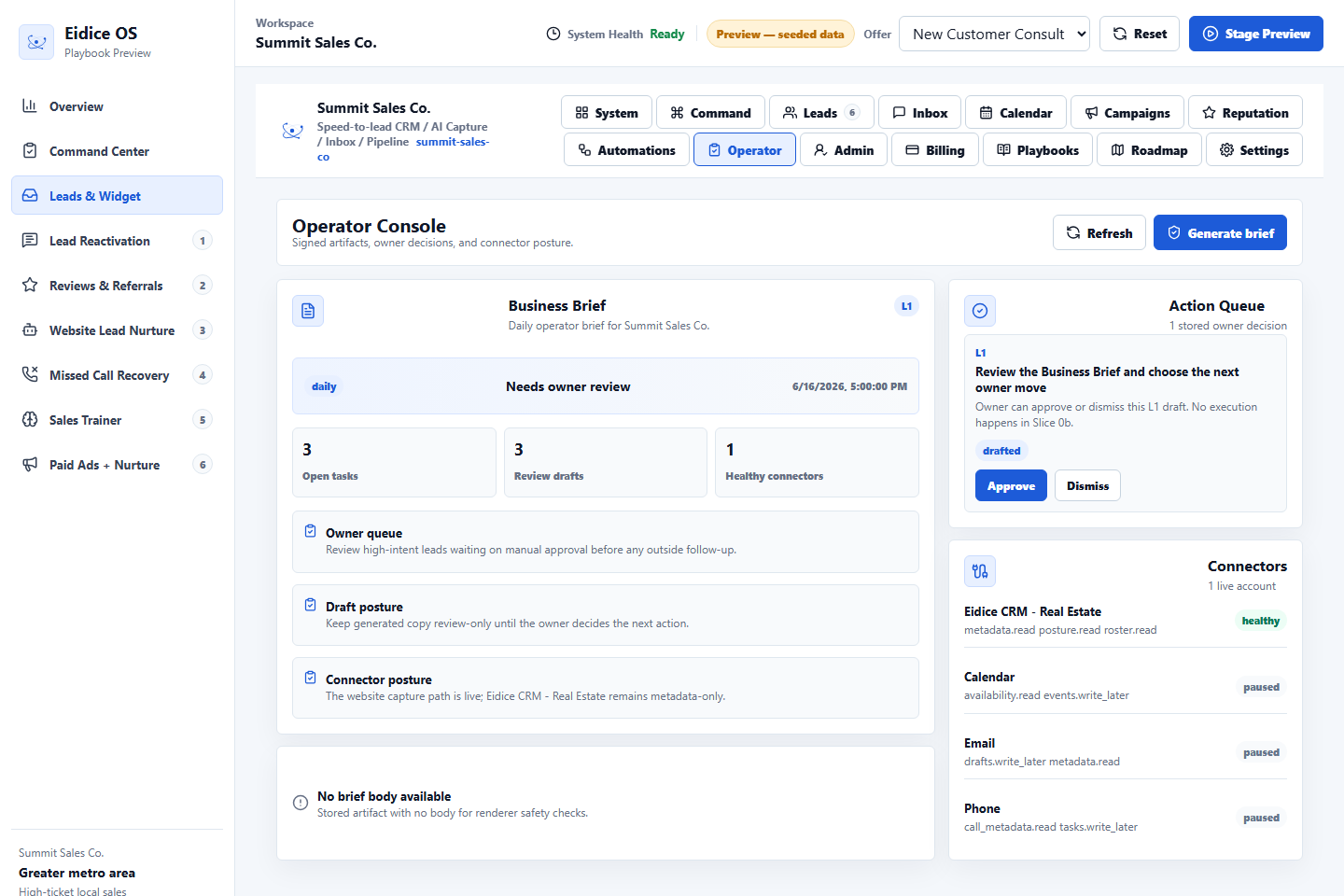
The product preview should make source, status, last touch, booking intent, and stale-work risk visible next to the lead rather than hiding those signals in separate tools.
Next step
Review the related Eidice OS pages below, then use the main product page to book a demo request with Oliver Labs LLC or inspect the current product preview.