Feature
Vertical playbooks give owners a more specific starting point for setup.
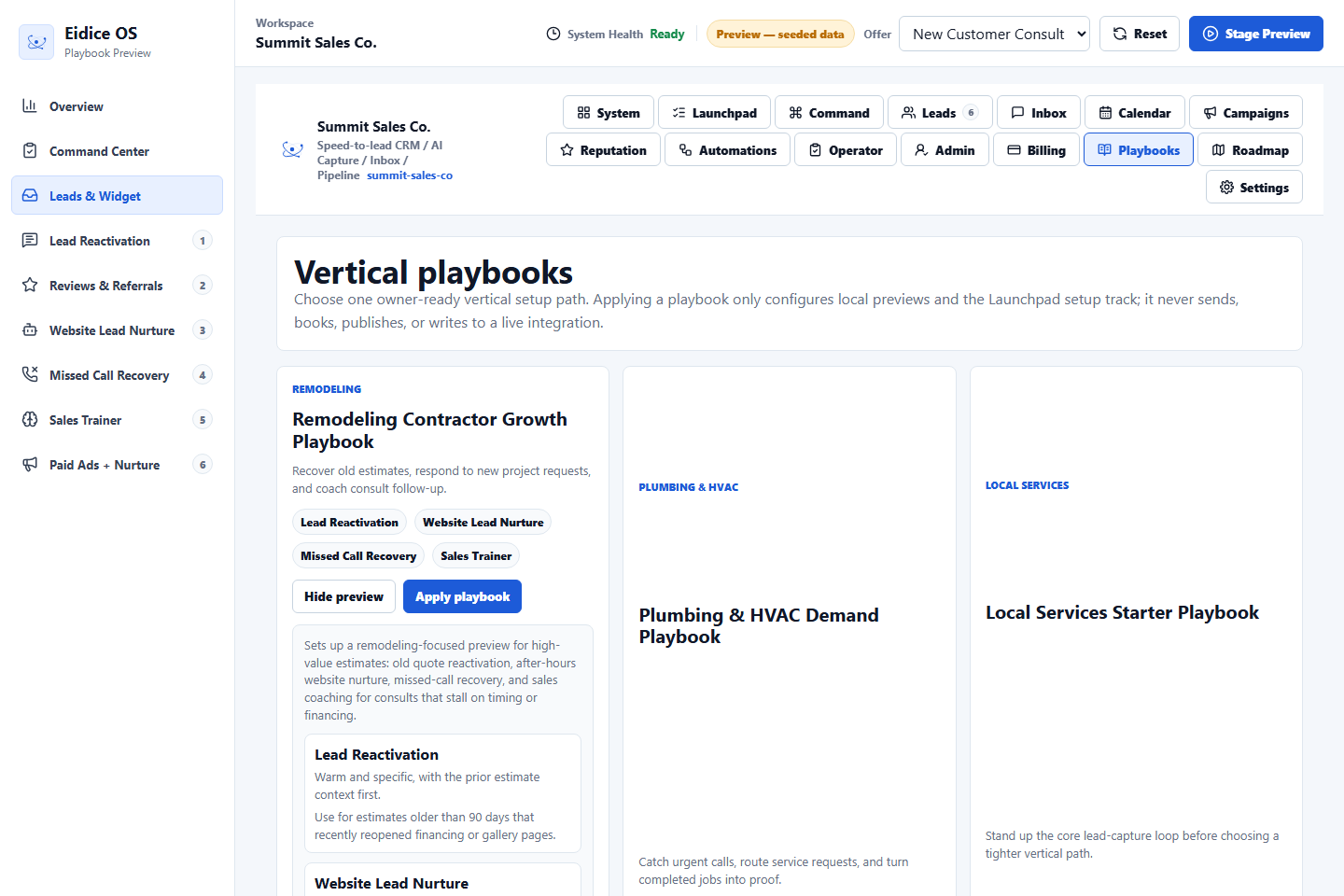
The Vertical Playbook Catalog helps an owner choose a practical setup path that matches the kind of local service business they operate.
Applying a playbook configures local preview guidance and adds a Launchpad setup track. It does not change live integrations or send customer communication.
What is inside
Each playbook explains the owner promise, which preview modules are relevant, sample timing notes, tone guidance, and the setup steps that should be reviewed before the business goes live.
Why it stays preview
The catalog is intentionally labeled as preview because it configures guidance, not live execution. Owners can inspect the shape of the workflow before any provider action exists.
How owners use it
Choose the closest vertical, preview what will be set up, apply the playbook, then use Owner Launchpad to walk through the resulting setup track.
Next step
Review the related Eidice OS pages below, then use the main product page to book a demo request with Oliver Labs LLC or inspect the current product preview.