Tool
Booking workflow audit for service teams.
Booking problems are often hidden as calendar problems, but the real issue may be missing context, unclear routing, poor reminders, or no owner review path for exceptions.
This audit helps separate those issues before connecting AI-assisted scheduling support.
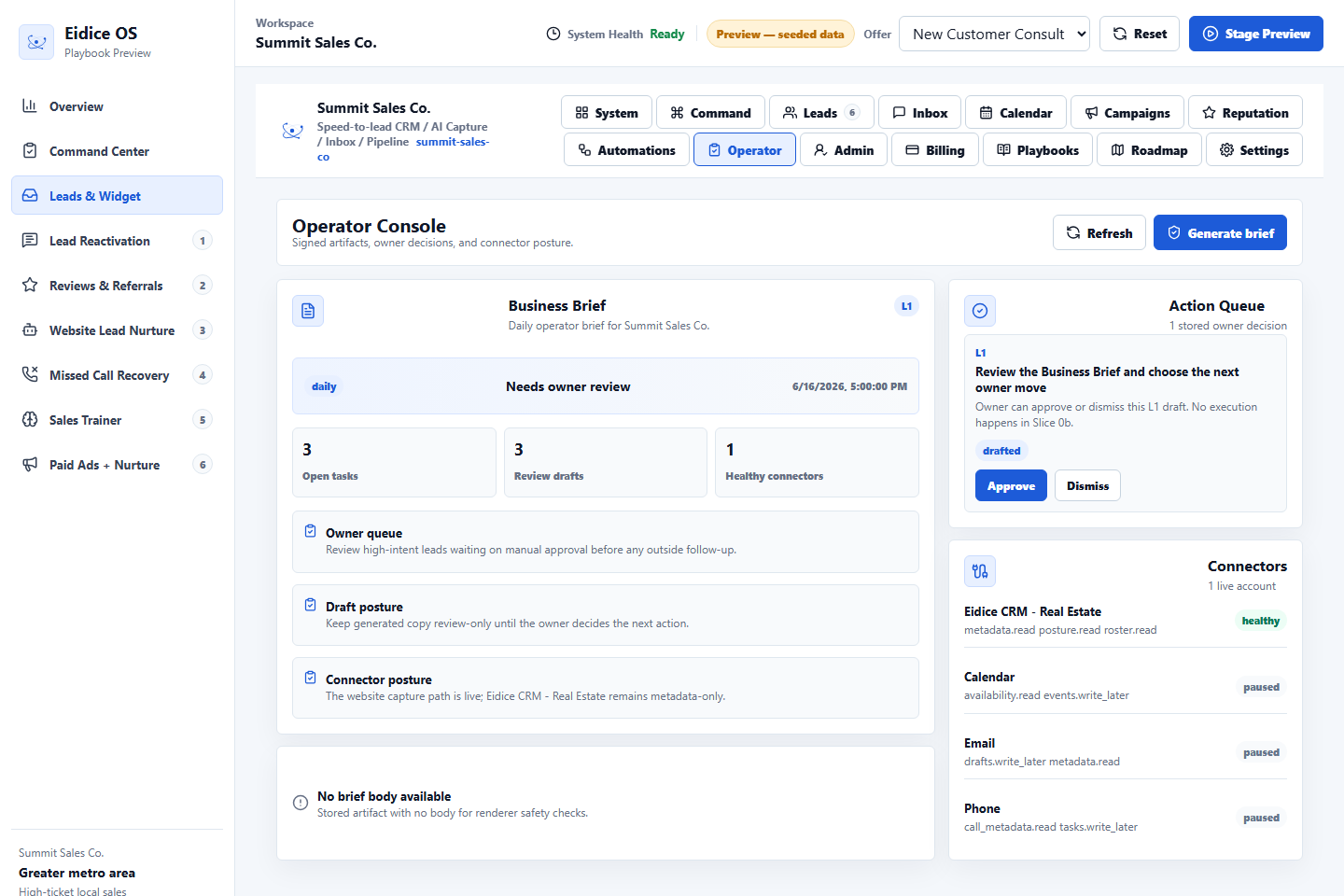
Map the booking path
Write down how a lead becomes an appointment, who approves the booking, which fields are required, what messages are sent, and where the customer context lives after the slot is created.
Check the exception path
Identify what happens when a customer asks for a special time, urgent service, a price quote, a cancellation, or a service that requires human review.
Inspect the operating view
A strong booking system makes upcoming appointments, missing context, stale booking requests, and follow-up needs visible to the owner.
Calendar rules
Check appointment types, buffers, service areas, staff availability, cancellation rules, and whether urgent requests follow a different path than routine bookings.
Reminder rules
Decide which reminders are safe to draft automatically, which need owner review, how reschedules are handled, and how no-show follow-up should pause when context is missing.
Booking proof
A ready operating view should show the lead source, appointment status, promised next step, missing details, and the person responsible for the customer handoff.
Next step
Review the related Eidice OS pages below, then use the main product page to book a demo request with Oliver Labs LLC or inspect the current product preview.